Penny walkthroughs
Short narrated clips showing how Penny works. Captions are built into each video.
-
 1:19
1:19
1. Meet Penny
Penny reads the school email, works out what actually needs you, and texts you before you are caught out. This is the short version of everything she does.
-
 1:12
1:12
2. Getting started by text
There is nothing to install: you text Penny, connect Gmail and your calendar once, and pick it up again in the same thread. Setup happens where you already are.
-
 1:12
1:12
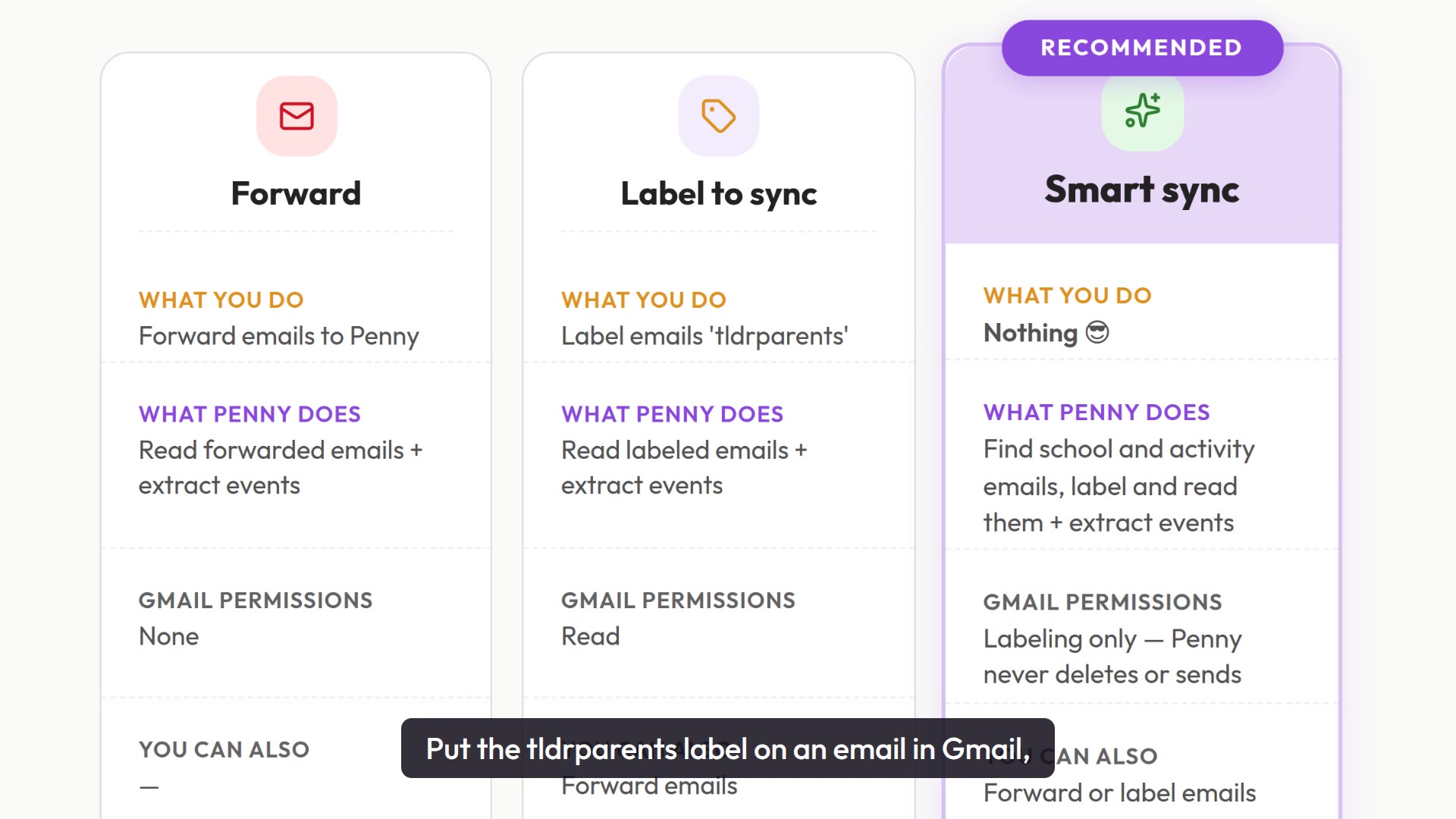
3. Getting your email to Penny
There are three ways in: forward an email, label it, or let smart sync label it for you. They stack rather than replace each other, so you can start with one and add another later.
-
 1:08
1:08
4. Connecting your calendar
What the Google permission actually covers, what Penny uses it for, and what she never does. You pick which calendar she is allowed to write to.
-
 1:04
1:04
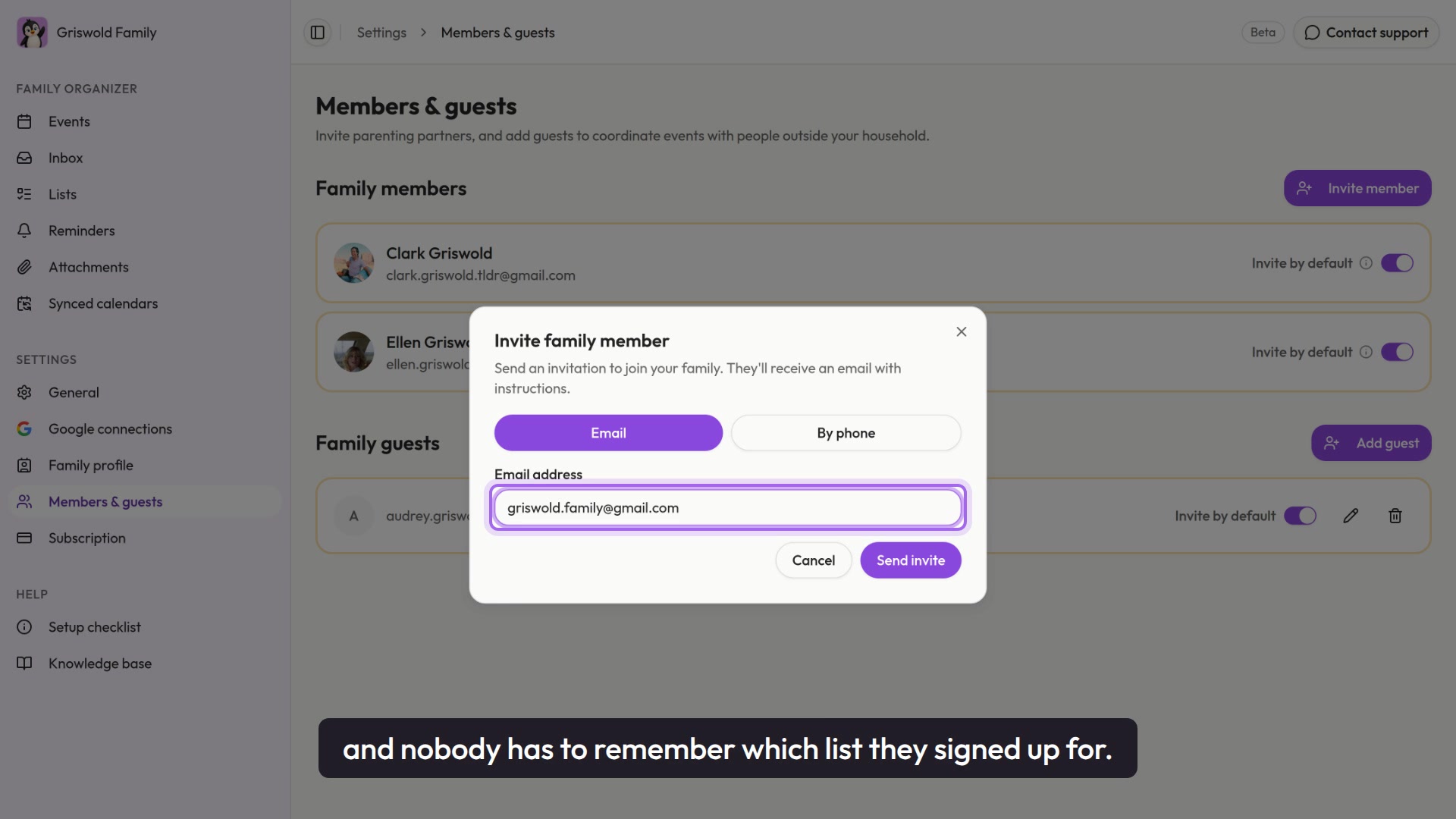
5. Inviting your family
Add both parents, the shared household address, and any guests who need to see the calendar. Then nobody has to remember which inbox a school used.
-
 0:59
0:59
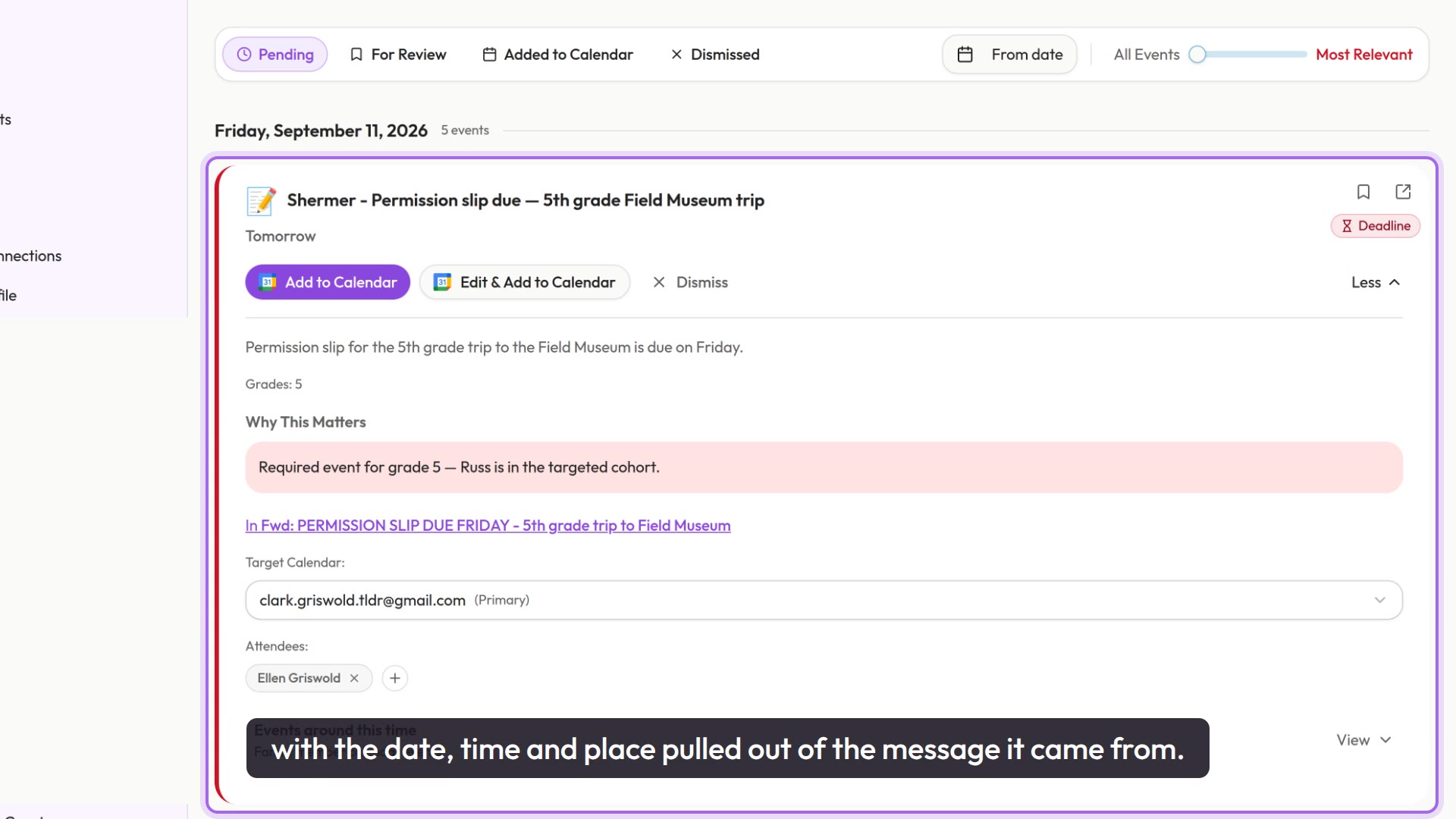
6. Your event feed
Everything Penny found, in one place, newest first. A slider decides how much of it is worth your attention.
-
 0:59
0:59
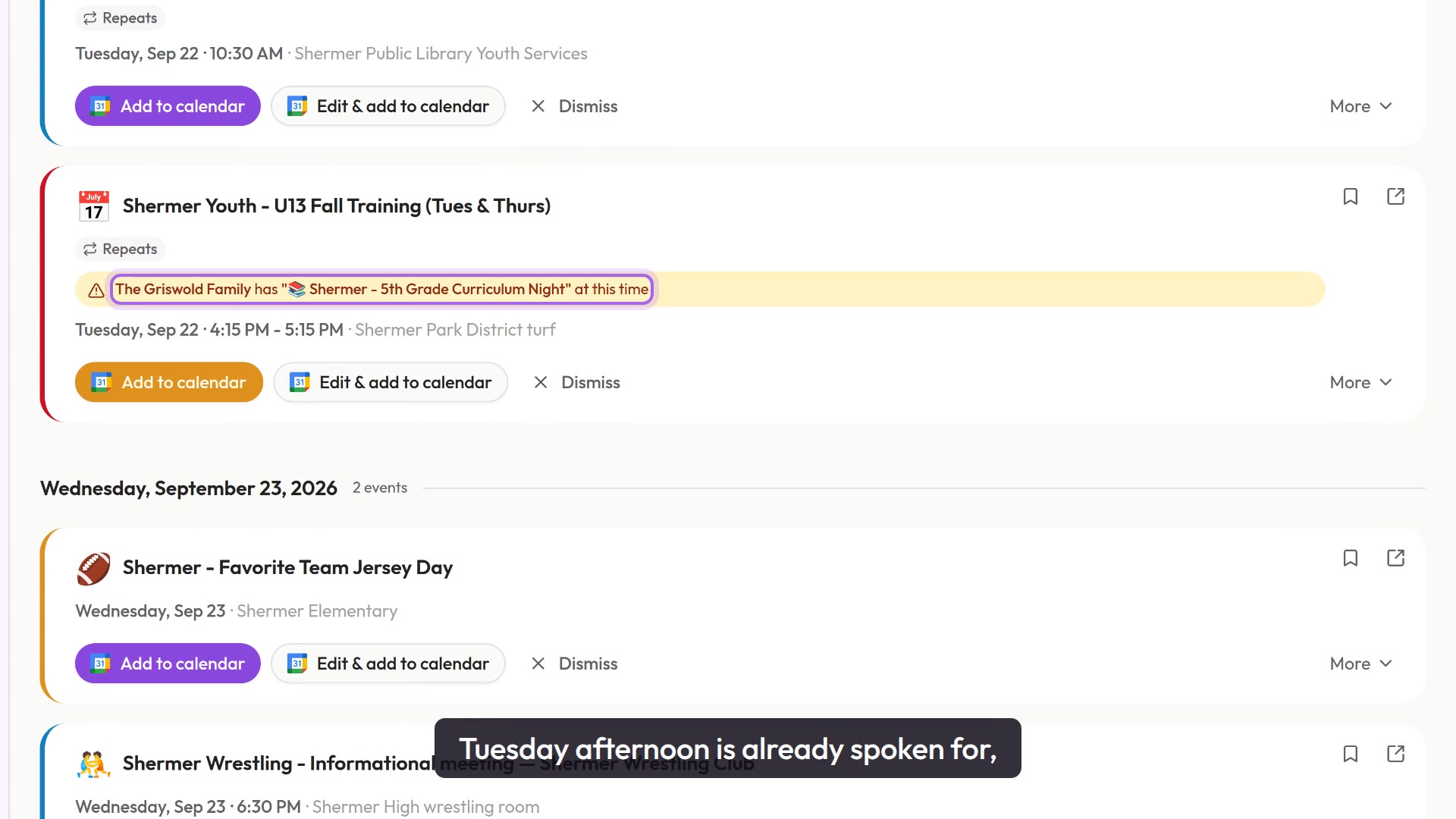
7. Deciding on events
One click puts an event on your calendar, and a warning tells you when that afternoon is already spoken for. You can edit anything before it lands.
-
 0:35
0:35
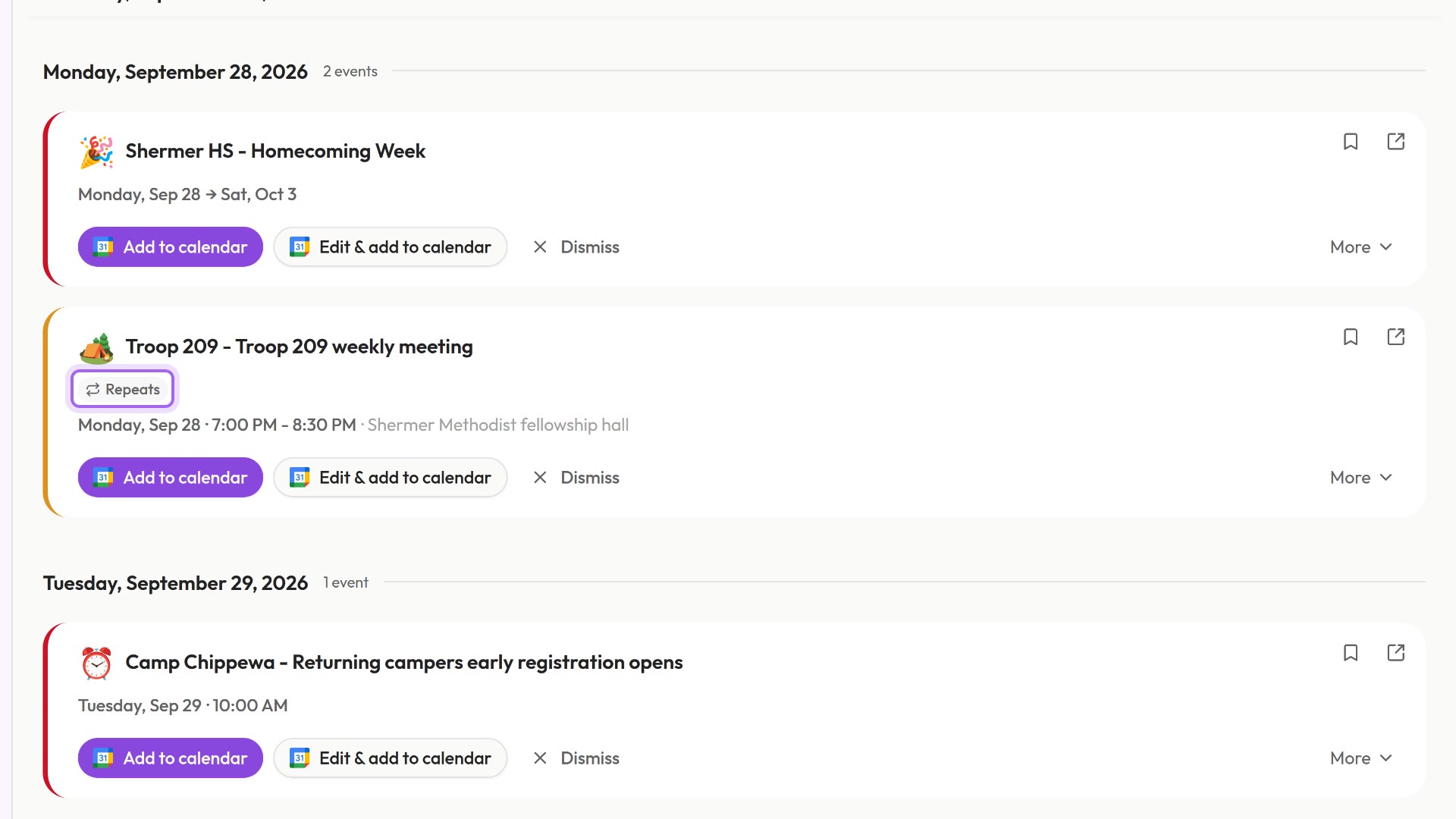
8. Recurring events
Practice every Tuesday, meetings every Monday. The whole pattern goes across at once, not one event at a time.
-
 0:54
0:54
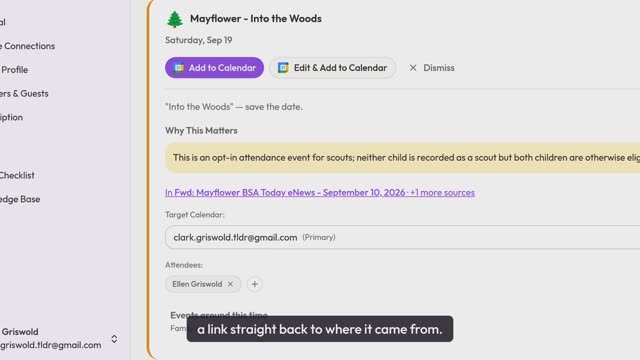
9. Where every event came from
Every event traces back to the email it came from, and to why Penny thought it mattered. Nothing on your calendar is unexplained.
-
 2:09
2:09
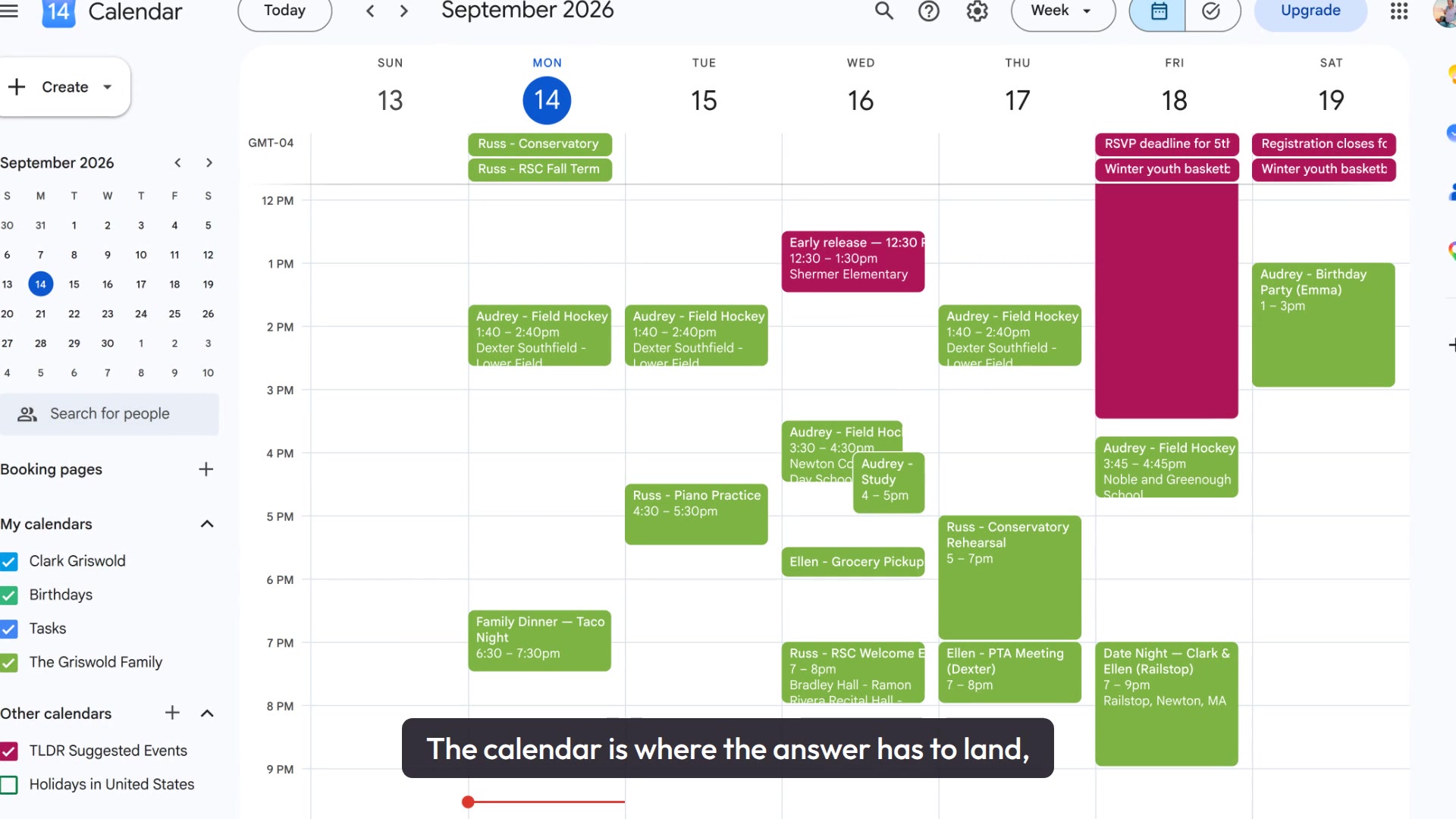
10. Data privacy
What Penny needs, what she will never do, and how much of your email you actually hand over. Also how to take any of it back.
-
 0:58
0:58
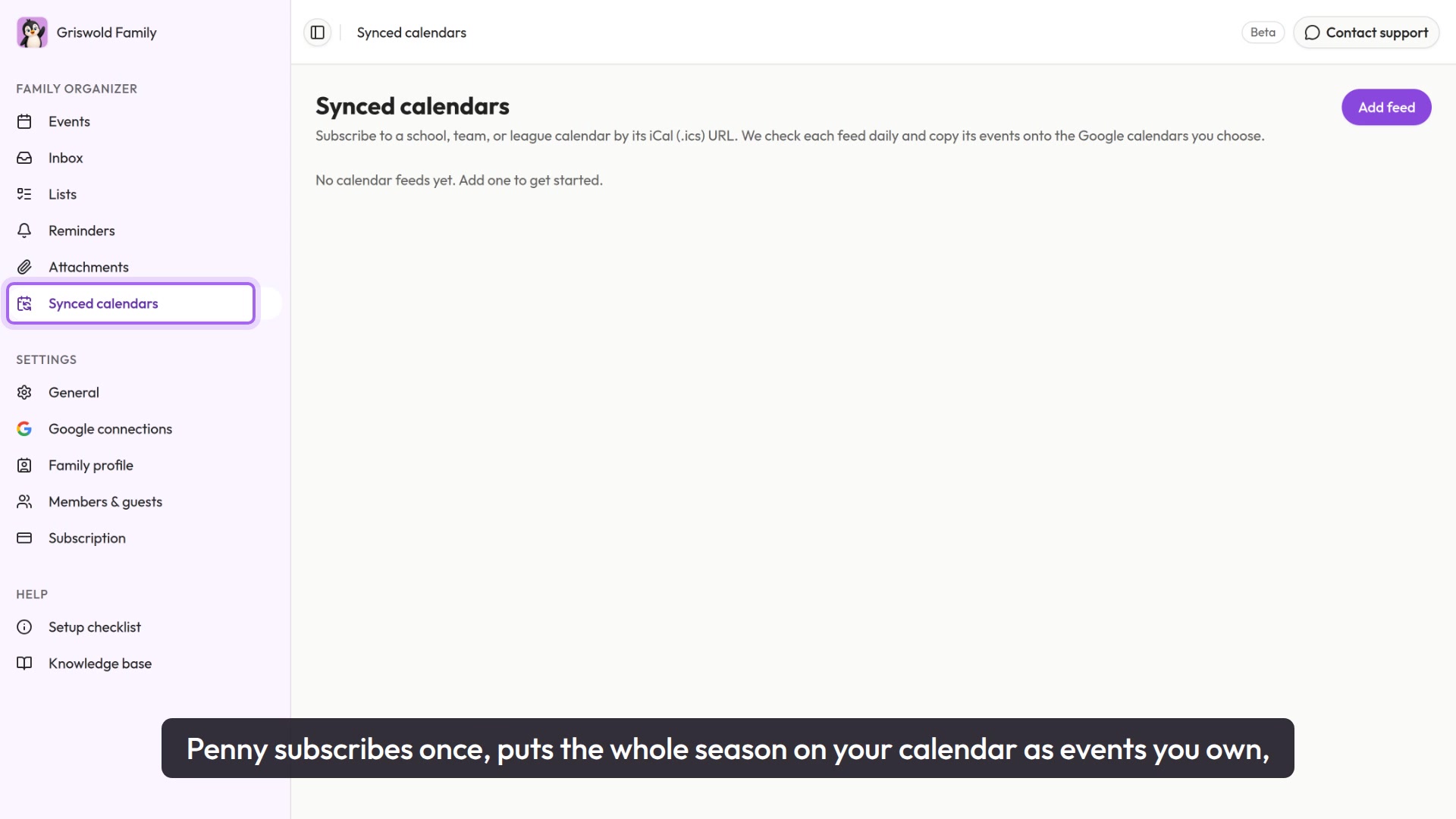
11. Synced calendars
Subscribe once to a school, team or league calendar and the whole season keeps itself current. When the school moves a game, your calendar moves with it.
-
 0:55
0:55
12. Alerts
Penny texts you when something genuinely needs you, and stays quiet the rest of the time. You choose what counts as worth interrupting you for.